
Download Killer Sudoku – Puzzle Game, Logic Challenge, Brain Training
Overview
Killer Sudoku is a strategic puzzle game that blends the familiar rules of classic Sudoku with an innovative twist: the inclusion of numbered cages that require players to calculate the sum of numbers within each region. This fusion elevates the traditional puzzle experience by introducing arithmetic logic alongside pattern recognition, making it ideal for individuals seeking a deeper cognitive challenge. The app targets logic enthusiasts, casual gamers, and anyone looking to sharpen their analytical and problem-solving skills through daily mental exercises.
Designed for users who enjoy brain teasers and numerical puzzles, Killer Sudoku offers a structured yet flexible environment where players can progress at their own pace. Whether solving a quick puzzle during a commute or tackling a complex challenge over several hours, the game adapts to various time constraints and skill levels. Its presence in the mobile app ecosystem fills a niche for intellectually stimulating, ad-free entertainment that promotes mental agility.
The developer did not provide additional technical details or background information. However, the app’s consistent updates and user-focused features suggest a dedicated development team committed to maintaining a high-quality experience. Real-world use cases include stress relief, cognitive training, and leisure time engagement, particularly for users aged 12 and above who appreciate logic-based games. The game’s emphasis on precision and planning makes it a valuable tool for enhancing concentration and sequential thinking.
Key Features & Functionality
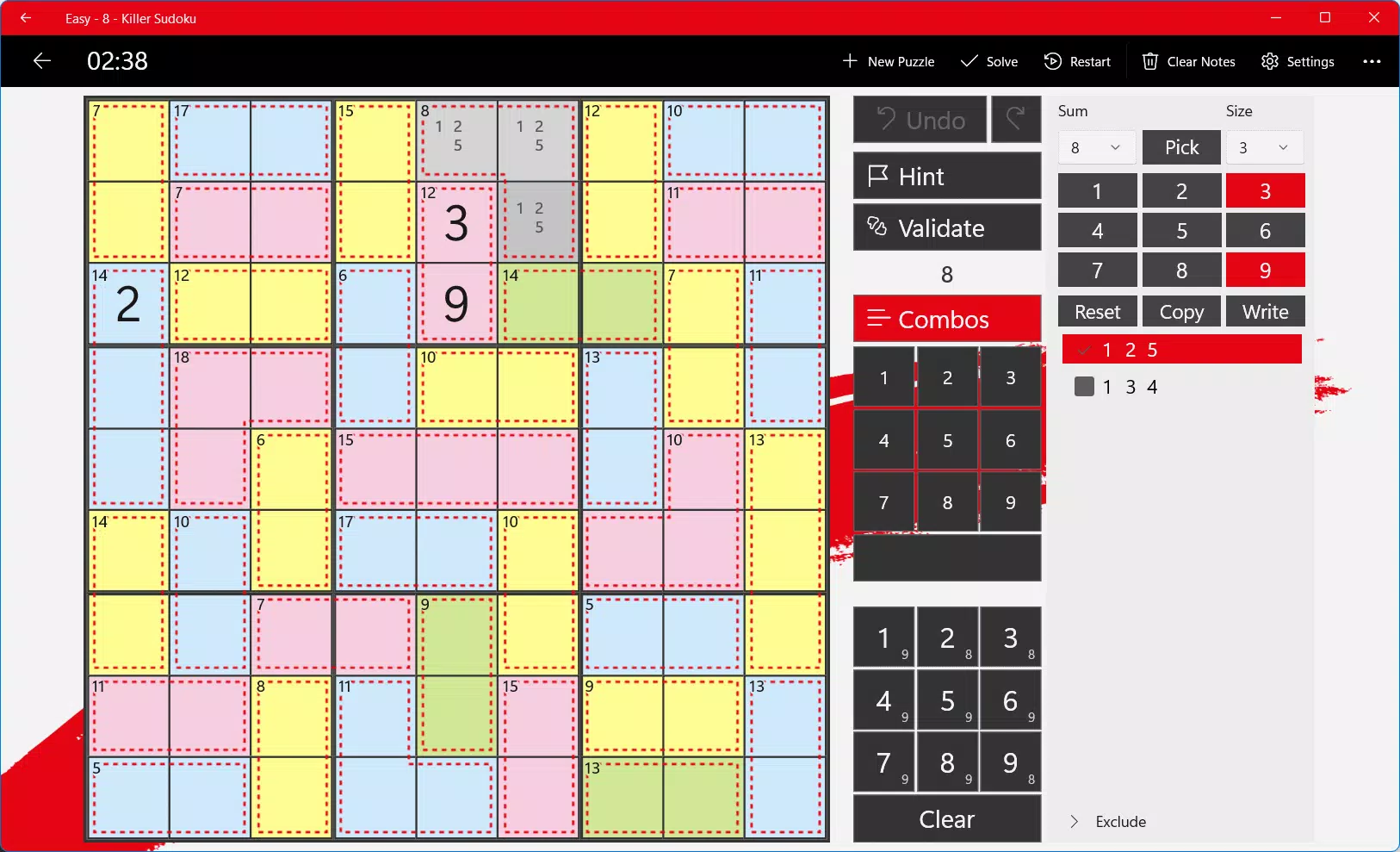
- Enhanced Note Taking: A dedicated note keypad allows players to input potential numbers directly into cells. This feature helps users track possible solutions without committing to a final choice, essential for navigating complex cage interactions.
- Multi-Cell Selection: Players can select multiple cells simultaneously for note entry or number input, significantly reducing repetitive actions during extended puzzle sessions.
- User-Friendly Interface: The clean, intuitive layout ensures easy access to tools and options, minimizing distractions and supporting smooth gameplay for users of all experience levels.
- Challenging Puzzles: A range of difficulty levels ensures that both beginners and advanced players find suitable challenges. Cage sum variations add depth beyond standard Sudoku, requiring strategic planning and mental arithmetic.
- Regular Updates: The app receives consistent updates, introducing new puzzles and refining existing features based on user feedback, ensuring long-term engagement and relevance.
For example, a player solving a high-difficulty puzzle might use multi-cell selection to enter candidate numbers across several cells in a row, then use the note feature to eliminate options based on cage totals. This layered approach supports logical deduction and enhances the satisfaction of solving intricate puzzles. The game’s functionality is tailored to real-world problem-solving scenarios, where organization, attention to detail, and pattern recognition are key.
Interface, UX & Performance
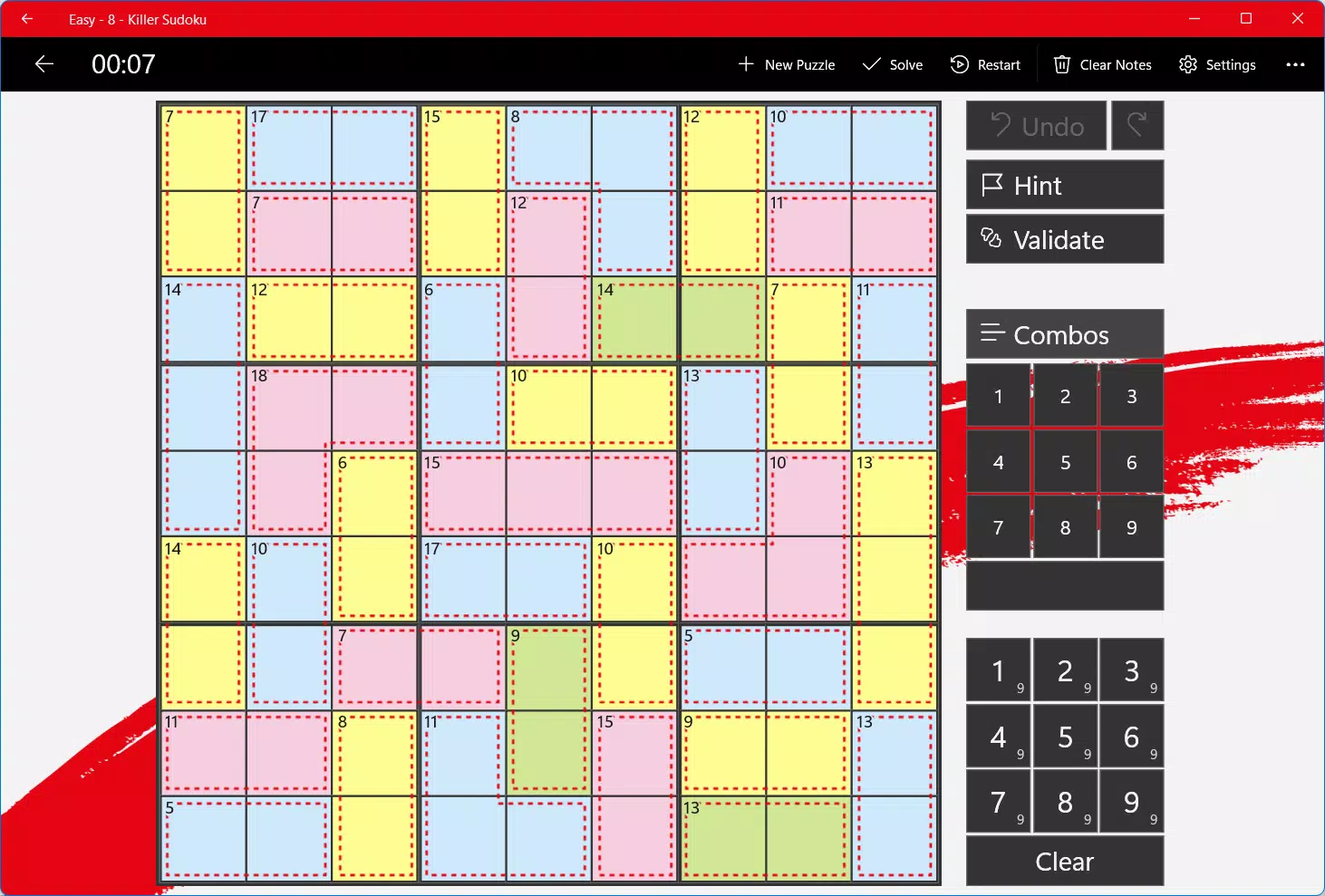
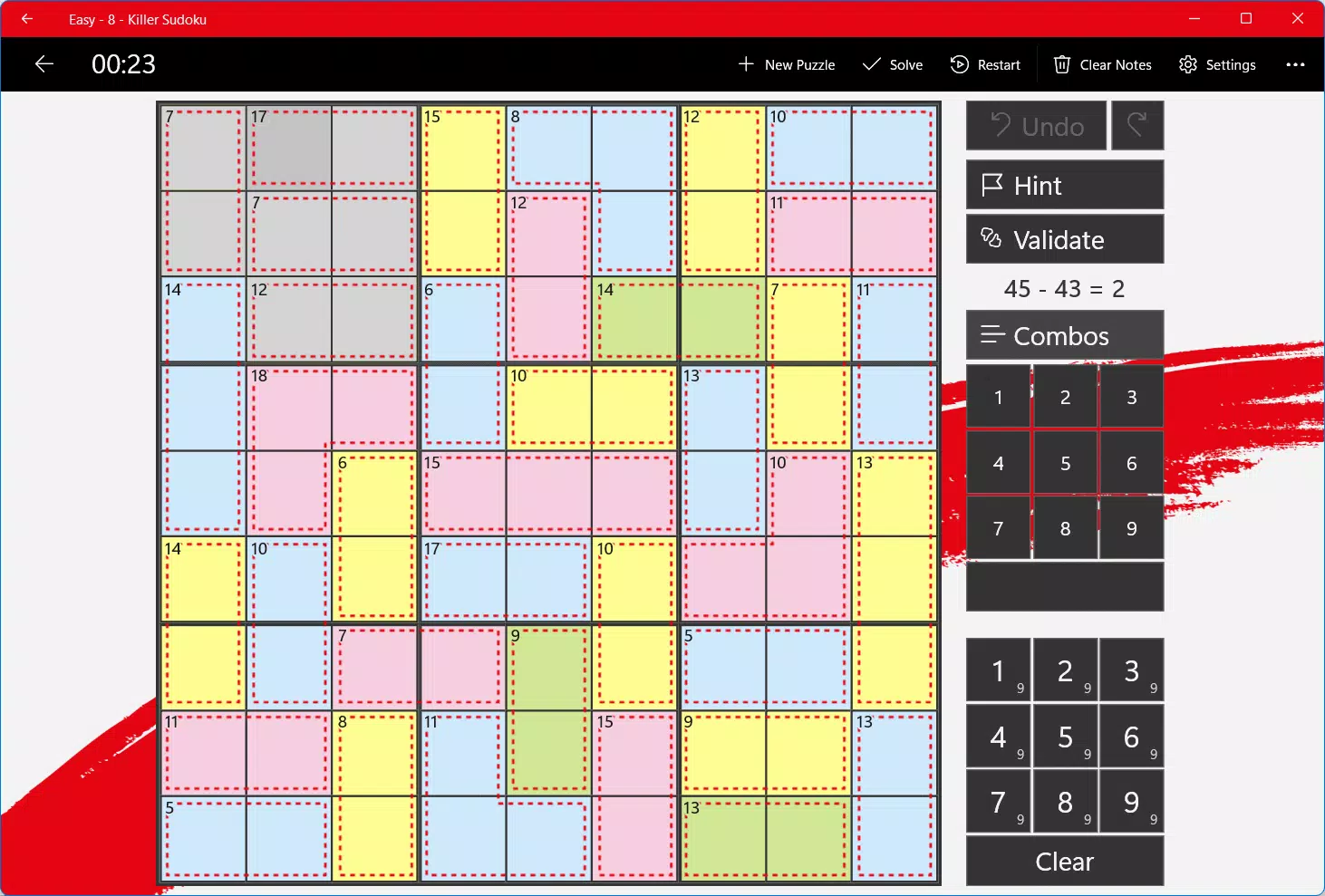
The app presents a minimalist visual design with clear grid formatting and well-spaced cells, contributing to a distraction-free puzzle-solving environment. Navigation is straightforward, with tools and settings accessible via a consistent toolbar, reducing the learning curve for new users. The interface supports both touch and stylus input, making it adaptable to different user preferences.
Although the developer did not list formal performance metrics, the app demonstrates responsive behavior across various device categories, including smartphones and tablets. Users can expect smooth transitions between screens and consistent rendering of notes and cage boundaries. Stability appears reliable, with no reported issues related to crashes or freezes during standard use.
Interaction feedback is immediate—cell selection, number entry, and note input are registered without delay. The app maintains performance even during extended sessions, suggesting efficient memory management. However, specific requirements were not listed, so compatibility with older devices or low-end hardware remains unconfirmed. Overall, the user experience is polished and focused on functionality, aligning with best practices in mobile puzzle game design.
Platform Compatibility & Technical Requirements
Killer Sudoku is available on Android and iOS platforms, making it accessible to a broad audience of smartphone and tablet users. The app supports the latest versions of both operating systems, though specific minimum OS requirements were not disclosed by the developer.
The current software version is not specified, but the release date indicates the app has been in circulation since October 15, 2017. The file size is listed as 12.5 MB, which is relatively lightweight for a mobile puzzle application. This size suggests efficient resource usage and minimal storage impact, making it suitable for devices with limited space.
Compatibility information was not fully disclosed. Users are advised to check their device’s app store for the most accurate installation details. The developer did not specify whether the app supports older OS versions or requires specific hardware features such as high-resolution displays or gesture navigation.
Pros and Cons
- Intuitive interface designed for both beginners and experts
- Efficient note-taking and multi-cell selection tools
- Regular updates with new puzzles and improvements
- Lightweight file size (12.5 MB)
- Ad-free, focused gameplay experience
- Specific OS version requirements not listed
- No information on cloud sync or progress backup
- Developer background not disclosed
- Compatibility with older devices not confirmed
- Limited customization options for visual themes
FAQ
Is Killer Sudoku free to download and use?
The app may be available for free with optional in-app purchases. Specific pricing details were not provided in the input.
Can I play Killer Sudoku offline?
Yes, the app supports offline play, allowing users to solve puzzles without an internet connection.
How often are new puzzles added?
The developer states that the app receives regular updates, introducing new puzzles and features.
Is the app safe to install?
As with any mobile application, it is recommended to download Killer Sudoku only from official app stores to ensure security and authenticity.
Does the app support multiple devices?
While the app is available on Android and iOS, the developer did not specify whether progress syncs across devices.
Final Thoughts
Killer Sudoku stands out as a refined, intellectually rewarding puzzle game that successfully merges arithmetic with logic. Its thoughtful design, efficient tools, and commitment to user experience make it a top choice for anyone interested in mental challenges. The app delivers consistent value through regular updates and a well-structured interface that supports both casual and dedicated players.
Whether you're looking to pass time, improve focus, or simply enjoy a well-crafted puzzle, Killer Sudoku offers a satisfying and engaging experience. The lightweight size and offline functionality enhance its accessibility across various devices.
Download Killer Sudoku now


